USING FILTERS
When we talk about filters or search criteria, there are two topics affected:
The use of filters when we extract data included in the template.
- U4 ERP/Module/Information BrowserThe use of filters when we are listing the options of Icconect. That includes:
 - Iconnect/App/Work queues
 - Iconnect/Admin/environments
 - Iconnect/Admin/users
Filter data when generating templates: search criteria in Information Browser
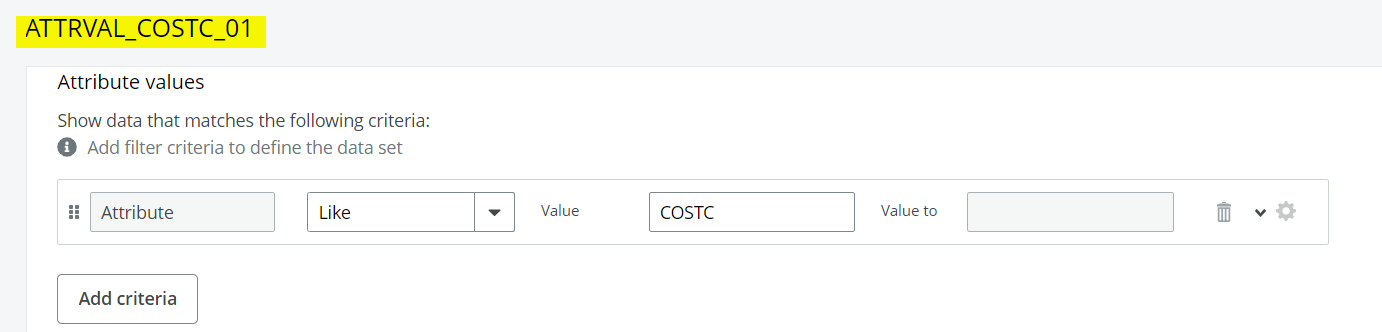
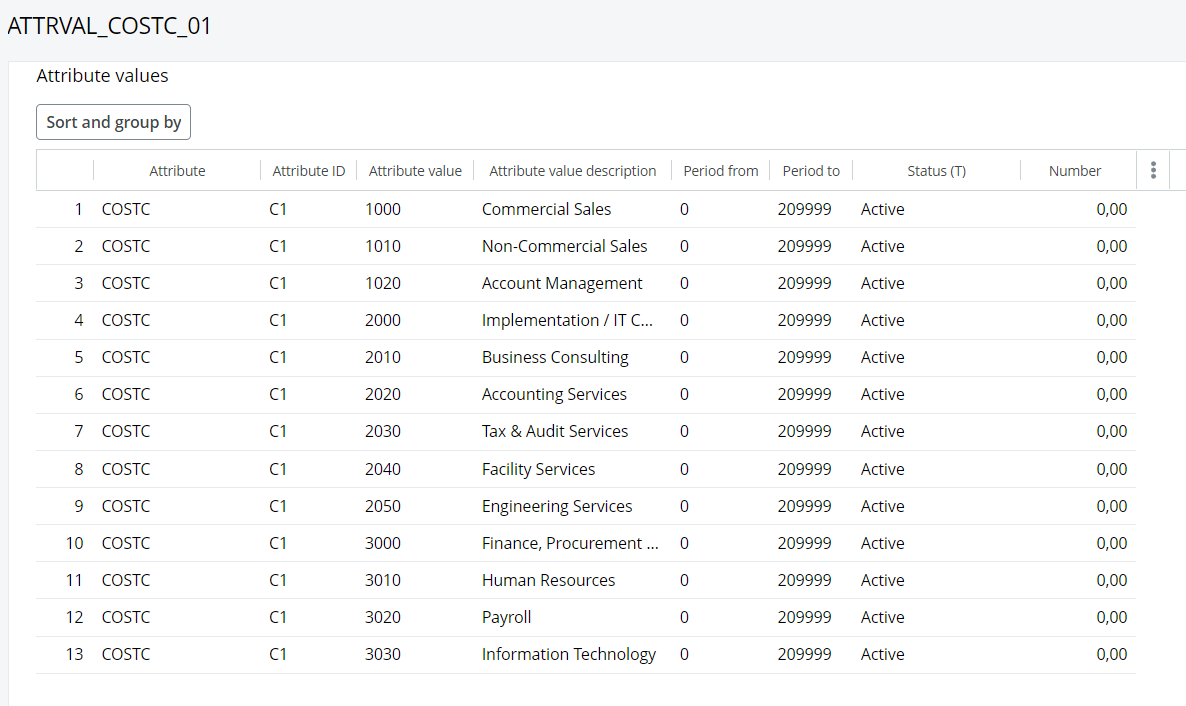
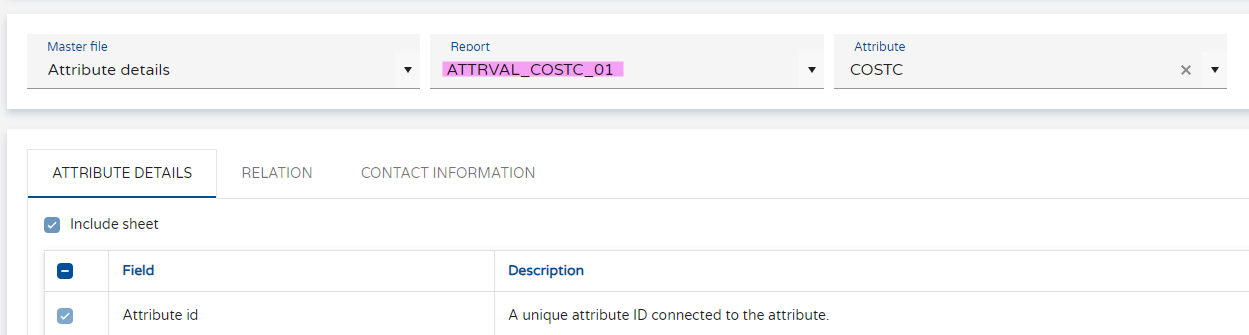
When we generate a template and we incude data, this data will be included following the search criteria defined in the information browser that we select when run the process. Steps:
- Configure an Information Browser with the required search criteria
- Go to the Iconnect menu option: App/Generate and select the template you want to run
- Activate "Show Report" and select your Information browser
- Run the generate buttton
- The template should be generated including the data following the search criteria of the Information Browser.
Filter fields in the sections of Iconnect: filters in columns
All the windows containing data that show information about the process in iConnect, include filters to allow an easy way to navigate through the data provided. In each column you can find the icon for filtering with different options for text, numeric, predefined and date fields.

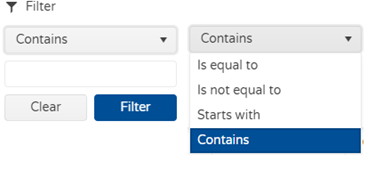
Text values filter
Allows you define queries to look for specific text, or contained text within the column.
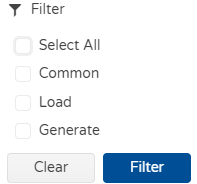
Predefined values filter
Some columns have unique or predefined values, this search criteria allows you to filter by these values. For example, if we filter for the type of queue.
 .
.
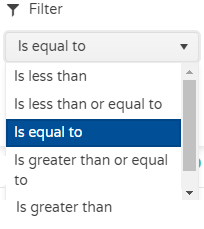
Numeric values filter
This filter give all the options to define queries with numerical values.
Date values filter
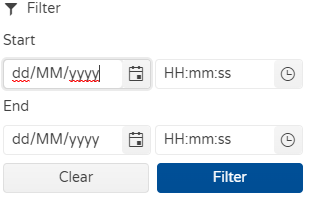
Allows you define queries to look for specific date or a range of dates.